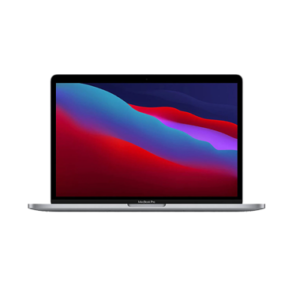
Here are the specifications for the MacBook Pro M1 A2338 released in 2022:

General Specifications
Model Number: A2338
Release Date: 2022
Colors: Silver, Space Gray
Display
Size: 13.3 inches
Type: Retina display with True Tone
Resolution: 2560 x 1600 pixels
Brightness: 500 nits
Color Gamut: Wide color (P3)
Processor
Chip: Apple M1
CPU Cores: 8-core CPU with 4 performance cores and 4 efficiency cores
GPU Cores: 8-core GPU
Neural Engine: 16-core Neural Engine
Memory (RAM)
Options: 8GB, 16GB (Unified Memory)
Storage
Options: 256GB, 512GB, 1TB, 2TB (SSD)
Battery and Power
Battery Life: Up to 17 hours of web browsing, up to 20 hours of video playback
Battery Capacity: 58.2 watt-hour lithium-polymer battery
Charging: 61W USB-C Power Adapter
Ports and Connectivity
Thunderbolt 3 (USB-C) Ports: 2 (supports charging, DisplayPort, Thunderbolt 3 (up to 40 Gbps), and USB 3.1 Gen 2 (up to 10 Gbps))
Audio: 3.5mm headphone jack
Wireless: Wi-Fi 6 (802.11ax), Bluetooth 5.0
Camera and Audio
Camera: 720p FaceTime HD camera
Speakers: Stereo speakers with high dynamic range
Microphones: Studio-quality three-mic array with directional beamforming
Keyboard and Trackpad
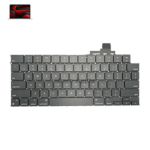
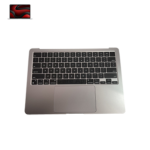
Keyboard: Backlit Magic Keyboard with 65 (US) or 66 (ISO) keys including 4 arrow keys in an inverted-T arrangement, Touch Bar, and Touch ID
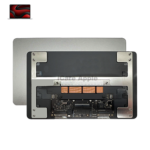
Trackpad: Force Touch trackpad for precise cursor control and pressure-sensing capabilities
Operating System
OS: macOS Monterey (upgradable to latest version)
Dimensions and Weight
Dimensions: 30.41 x 21.24 x 1.56 cm (11.97 x 8.36 x 0.61 inches)
Weight: 1.4 kg (3.0 pounds)
Additional Features
True Tone Technology
Wide color (P3)
Touch ID
Active cooling system
Environmentally friendly design with recycled materials
These specifications make the MacBook Pro M1 A2338 a powerful and efficient laptop suitable for a variety of tasks, including professional and creative work, with a focus on performance and portability.

MacBook Pro M1

Common MacBook Problems

MacBook Pro 2016 - A1708

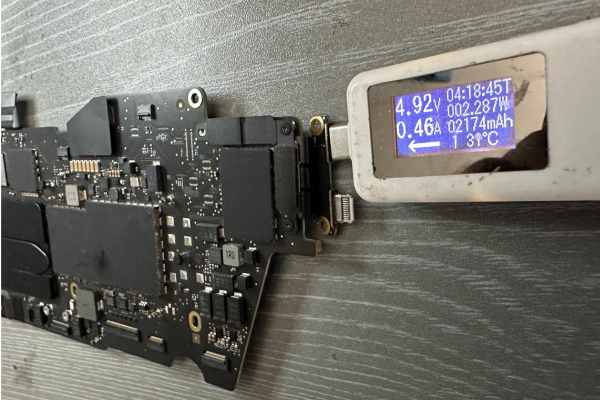
Liquid Damage Repair Service

Accidentally spilled water or coffee on your MacBook? Don’t worry — Apple Lab Uganda is your trusted expert for liquid-damaged Mac repair. Our certified technicians use advanced diagnostic tools and genuine Apple components to restore your device’s performance and prevent further corrosion. ✅ Fast diagnosis ✅ Professional board-level cleaning and restoration ✅ Genuine parts replacement for long-term reliability We bring your dead or water-damaged MacBook back to life with efficiency, precision, and care

MacBook Pro 2016 - A1708

Display Repair / Replacement Service

Cracked, flickering, or dead screen? Apple Lab Uganda provides expert MacBook display replacement using original Apple Retina displays. Our professionals can replace your Mac screen within one hour, restoring true-to-life colors and perfect brightness. ✅ Original Retina display panels ✅ Crystal-clear, factory-calibrated visuals ✅ Same-day replacement service Bring back your MacBook’s brilliance with our trusted, high-quality repair.

MacBook Pro 2016 - A1708

Keyboard Repair / Replacement Service

Is your MacBook keyboard unresponsive, sticky, or missing keys? Apple Lab Uganda provides fast and reliable keyboard repair and replacement for all MacBook models. Our technicians use original Apple keyboards to restore smooth, comfortable typing and ensure long-lasting performance. ✅ Genuine keyboard parts (backlit & non-backlit) ✅ Fix for stuck or unresponsive keys ✅ Same-day service for most models Get your MacBook typing like new again with our trusted experts in Kampala & Wakiso

MacBook Pro 2016 - A1708

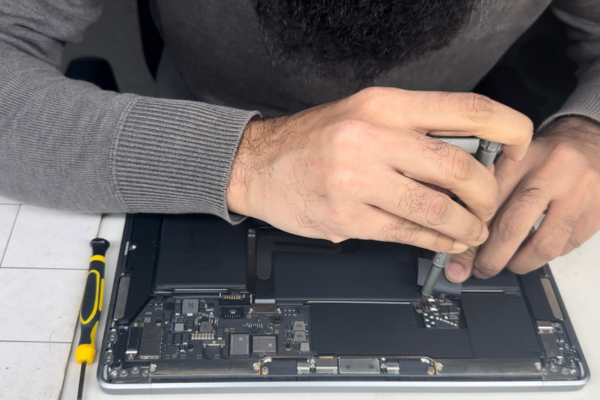
Battery Replacement Service

Experiencing quick battery drain or your Mac not holding charge? Trust Apple Lab Uganda for professional MacBook battery replacement using genuine, high-capacity Apple batteries. We test every battery before installation to guarantee long life and strong performance. ✅ Original Apple batteries only ✅ Up to 10–17 hours runtime depending on model ✅ Quick turnaround — usually within one hour Extend your MacBook’s power and reliability with our certified repair team.
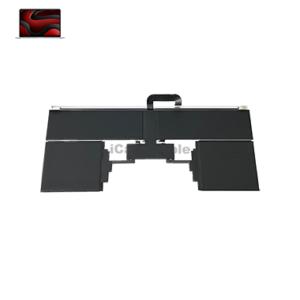
Replacement Service

Display

Battery

KeyBoard

Track Pad

Speaker

Top Case

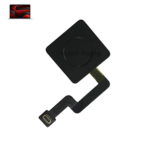
Touch ID

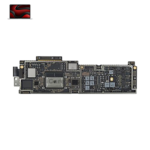
Mother Board

Charging Port

Repair Service

Activation-Lock-Issue-iCare-Apple-Repair-Replacement-Service-Center-in-Panthapath-Dhanmondi-Mirpur-Mohammadpur-Uttara-Bashundhara-Baridhara-Gulshan-BananiMohakhalihali-Farmget-Dhaka-Bangladesh

Activation Lock Issue

Audio-Issue-iCare-Apple-Repair-Replacement-Service-Center-in-Panthapath-Dhanmondi-Mirpur-Mohammadpur-Uttara-Bashundhara-Baridhara-Gulshan-BananiMohakhalihali-Farmget-Dhaka-Bangladesh

Audio Issue

Battery-Issue-iCare-Apple-Repair-Replacement-Service-Center-in-Panthapath-Dhanmondi-Mirpur-Mohammadpur-Uttara-Bashundhara-Baridhara-Gulshan-BananiMohakhalihali-Farmget-Dhaka-Bangladesh

Battery

Boot-Loop-Issue-1

Boot Loop Issue

Camera-Issue-iCare-Apple-Repair-Replacement-Service-Center-in-Panthapath-Dhanmondi-Mirpur-Mohammadpur-Uttara-Bashundhara-Baridhara-Gulshan-BananiMohakhalihali-Farmget-Dhaka-Bangladesh

Camera Issue

Cleaning-Service-iCare-Apple-Repair-Replacement-Service-Center-in-Panthapath-Dhanmondi-Mirpur-Mohammadpur-Uttara-Bashundhara-Baridhara-Gulshan-BananiMohakhalihali-Farmget-Dhaka-Bangladesh

Cleaning Service

Data-Recovery-Service-iCare-Apple-Repair-Replacement-Service-Center-in-Panthapath-Dhanmondi-Mirpur-Mohammadpur-Uttara-Bashundhara-Baridhara-Gulshan-BananiMohakhalihali-Farmget-Dhaka-Bangladesh

Data Recovery Issue

Dispaly-Backlight-Issue-iCare-Apple-Repair-Replacement-Service-Center-in-Panthapath-Dhanmondi-Mirpur-Mohammadpur-Uttara-Bashundhara-Baridhara-Gulshan-BananiMohakhalihali-Farmget-Dhaka-Bangladesh

Display Light Issue

Error-Fixing-iCare-Apple-Repair-Replacement-Service-Center-in-Panthapath-Dhanmondi-Mirpur-Mohammadpur-Uttara-Bashundhara-Baridhara-Gulshan-BananiMohakhalihali-Farmget-Dhaka-Bangladesh-300x300

Error Fixing

Keyboard-Issue-iCare-Apple-Repair-Replacement-Service-Center-in-Panthapath-Dhanmondi-Mirpur-Mohammadpur-Uttara-Bashundhara-Baridhara-Gulshan-BananiMohakhalihali-Farmget-Dhaka-Bangladesh-300x300 (1)

Keyboard Issue

Liquid-Damage-iCare-Apple-Repair-Replacement-Service-Center-in-Panthapath-Dhanmondi-Mirpur-Mohammadpur-Uttara-Bashundhara-Baridhara-Gulshan-BananiMohakhalihali-Farmget-Dhaka-Bangladesh-300x300 (1)

Liquid Damage

Mother-Board-issue-Fixing-iCare-Apple-Repair-Replacement-Service-Center-in-Panthopath-DhanmundiMirpur-Mohammad-PurUttaraBashundharaBaridharaGulshanBananiMohakhaliFarmgetDhakaBangladesh--300x300

MotherBoard Fixing

Not-Charging-iCare-Apple-Repair-Replacement-Service-Center-in-Panthopath-Dhanmundi-Mirpur-MohammadPur-Uttara-Bashundhara-Baridhara-Gulshan-Banani-Mohakhali-Farmget-Dhaka-Bangladesh-300x300

Not Charging Issue

Power-Issue-iCare-Apple-Repair-Replacement-Service-Center-in-Panthapath-Dhanmondi-Mirpur-Mohammadpur-Uttara-Bashundhara-Baridhara-Gulshan-BananiMohakhalihali-Farmget-Dhaka-Bangladesh-1-300x300

Power Issue

Overheating-Issue-300x300

Overheating Issue

27-300x300

Ausio Issue Repair

Track-Pad-Issue-iCare-Apple-Repair-Replacement-Service-Center-in-Panthapath-Dhanmondi-Mirpur-Mohammadpur-Uttara-Bashundhara-Baridhara-Gulshan-BananiMohakhalihali-Farmget-Dhaka-Bangladesh-300x300 (2)

Touch Pad

Wi-Fi-Issue-iCare-Apple-Repair-Replacement-Service-Center-in-Panthapath-Dhanmondi-Mirpur-Mohammadpur-Uttara-Bashundhara-Baridhara-Gulshan-BananiMohakhalihali-Farmget-Dhaka-Bangladesh-300x300

Wi-Fi Issue Fixing

iphone 13 Pro Max Repair in Uganda

Tips & Tricks

MacBook Tips & Tricks – Keep Your Mac Running Like New

Want your MacBook to stay fast, cool, and reliable for years? Here are expert maintenance and usage tips from Apple Lab Uganda technicians.


1. Keep Your MacBook Clean

Dust, crumbs, and moisture can damage your keyboard and ports. Use a soft microfiber cloth and avoid liquid cleaners. Always shut down your Mac before cleaning.

2. Maintain Battery Health

Avoid leaving your MacBook plugged in all the time. Charge it between 20% and 80%, and use Apple’s Optimized Battery Charging feature to extend battery lifespan.


3. Prevent Overheating

Don’t block the cooling vents — always use your MacBook on a flat, hard surface. If it’s heating up often, visit Apple Lab Uganda for a full thermal cleaning and fan service.


4. Backup Your Data Regularly

Use Time Machine or iCloud to back up important files. It protects your data in case of damage or system failure.


⚙️

5. Keep macOS Updated

Regular updates fix security issues and improve performance. Go to System Settings → General → Software Update to stay current.


6. Speed Up a Slow Mac

If your MacBook feels slow, try clearing unused apps, freeing up disk space, and disabling unnecessary startup programs. You can also upgrade to SSD or higher RAM (for older models) at Apple Lab Uganda.


7. Visit Professionals for Repairs

DIY fixes can worsen the problem. For genuine parts and expert service, visit Apple Lab Uganda — your trusted Apple repair partner in Kampala & Wakiso

iphone 13 Pro Max Repair in Uganda

Expert MacBook Repair & Maintenance – Apple Lab Uganda

At Apple Lab Uganda, we go beyond repairs — we restore your MacBook’s performance, beauty, and reliability.

Whether you’re facing a liquid spill, screen damage, battery failure, or software crash, our certified Apple technicians use genuine parts and advanced diagnostic tools to bring your device back to life.

Plus, our MacBook Tips & Tricks section helps you maintain top performance and prevent future issues.

From minor fixes to complex logic board repairs, you can trust Apple Lab Uganda for fast, affordable, and professional MacBook service in Kampala & Wakiso.

🚀

Book Your MacBook Repair Today – Fast, Reliable & Affordable

Your MacBook deserves expert care — and that’s exactly what you’ll find at Apple Lab Uganda.

Whether it’s a broken screen, weak battery, keyboard issue, or water damage, our team delivers same-day service, genuine Apple parts, and a full warranty on all repairs.

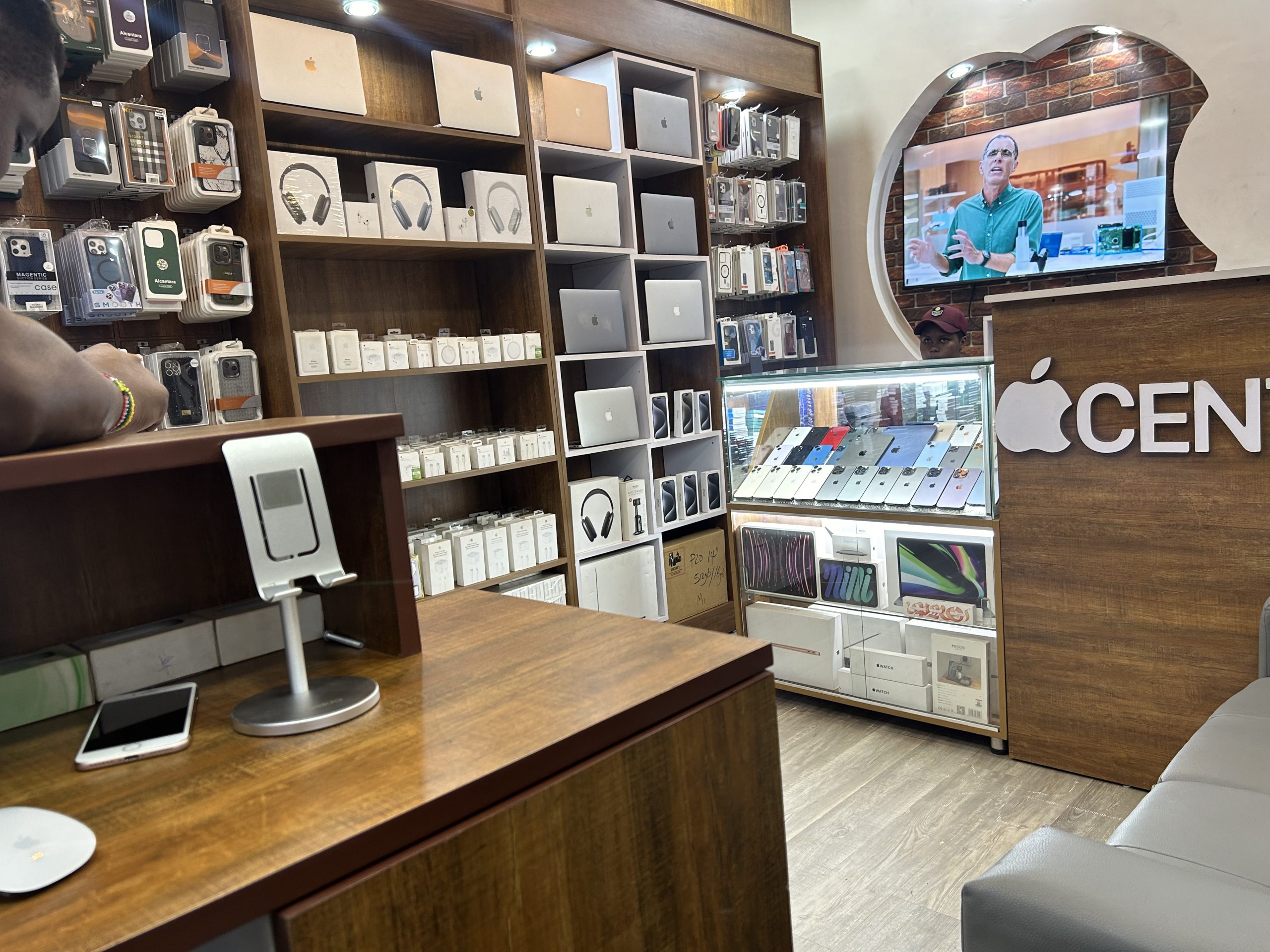
📍 Located conveniently in Kampala & Wakiso, we offer:

✅ Free diagnostic check

✅ Quick turnaround on all repairs

✅ Affordable prices with no hidden costs

✅ Pickup & delivery options available

👉 Call Now or Visit Apple Lab Uganda to restore your MacBook’s power, performance, and elegance

Apple Service Center Location Map

iPad Service Center in Uganda
Shopping Basket